
Quick start
How to use ScanIntel AI
Download → install in Chrome → search → export Excel → upgrade to Pro when you need more.
1 / 7
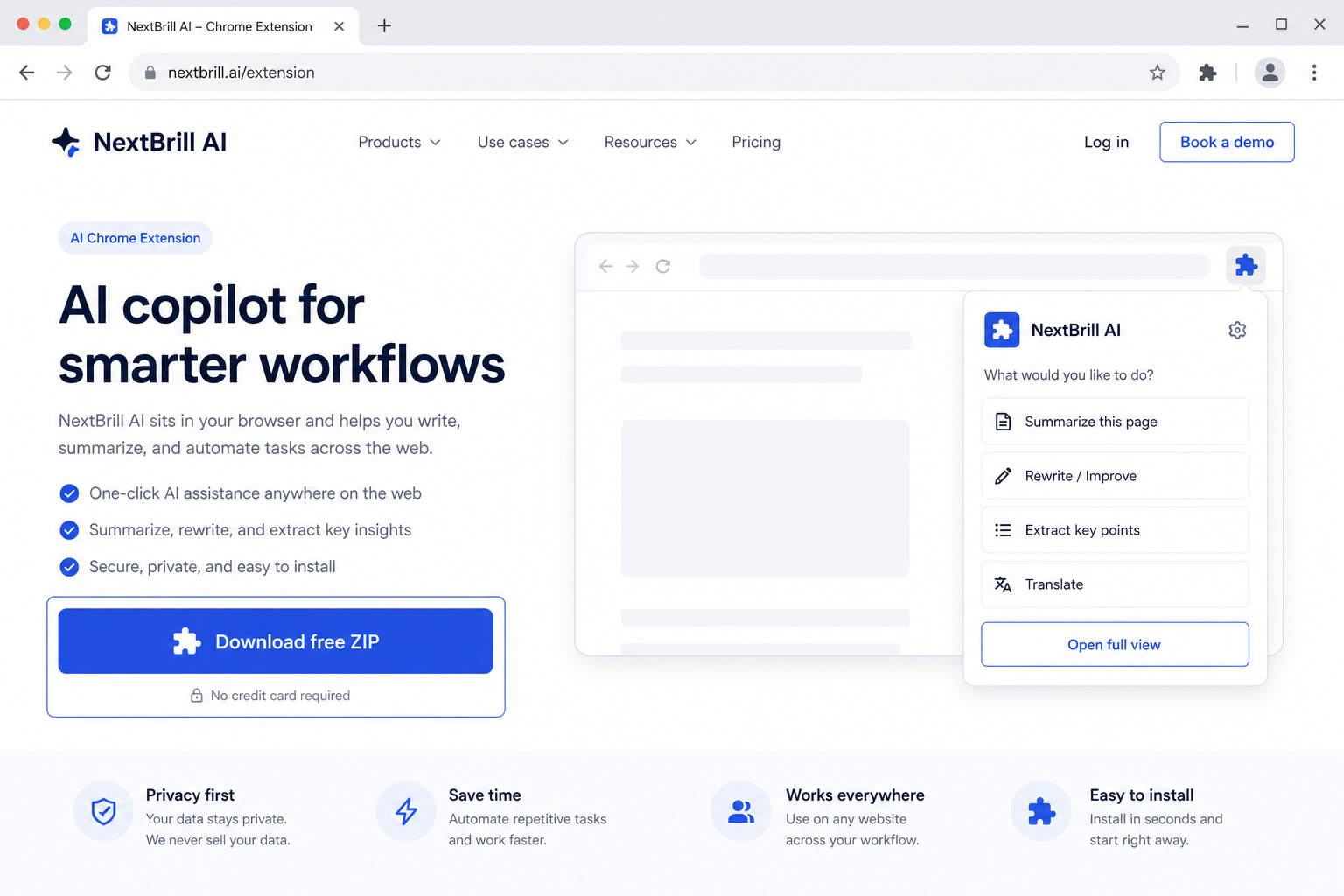
1 · Download free
Get scanintel-ai.zip from this page — free trial is built in.
Market Intelligence
ScanIntel AI
Turn comments & pasted content into enriched prospect rows
Paste forum threads, job posts, viral YouTube/Instagram/Facebook URLs, or upload files. ScanIntel AI finds users showing buying intent, researches their profiles, and exports enriched Excel — free trial included.
$24.99/moafter free trial
Download the ZIP, unzip it, open chrome://extensions, enable Developer mode, then Load unpacked. Free trial is built in — no license key required to start.
What you get
- ✓ Works on YouTube, Instagram, Facebook & forums
- ✓ Multi-page scrape with progress controls
- ✓ Excel (.xlsx) export
- ✓ Contact enrichment helpers where available
- ✓ Free trial + Pro unlock (same install)
- ✓ Paste rich text or upload sheets — or scan URL lists
- ✓ AI finds positive / switch-intent commenters (server-side analysis)
- ✓ Deep profile research — social, website, company, contacts
- ✓ Dedupe by company + root domain before export
- ✓ Excel export synced to NextBrill admin
Free forever trial
- ✓5 lifetime free searches (account-safe when signed in)
- ✓Max 2 pages per search
- ✓Max 25 results per search
- ✓Excel export included
How it works
- 1Install from this page (Developer Mode → Load unpacked, or unzip the ZIP).
- 2Sign in with Google in the extension (same NextBrill account for Free and Pro).
- 3Choose Paste content OR Paste URLs (one mode at a time). Add short instructions.
- 4Click Analyze — Free: 5 lifetime searches, 2 URLs, 25 results. Pro unlocks higher limits.
- 5Optional Search contacts, then Export Excel (syncs to your NextBrill admin automatically).
FAQs
Is the extension free?
Yes — every extension includes a lifetime free trial of 5 searches. After that, upgrade to Pro for unlimited use.
Do I need a new download after paying?
No. Pro unlocks inside the same extension after you subscribe on NextBrill.
How do I install from the ZIP?
Unzip the file, open chrome://extensions, enable Developer mode, click Load unpacked, and select the unzipped folder.
Does ScanIntel scrape live YouTube or Instagram pages?
Yes — when you paste URLs, the extension opens each page in Chrome, collects comments, then uses NextBrill server-side AI to find interested users. You can also paste comment text directly without URLs.
Is my OpenAI key visible in the extension?
No. Analysis runs on NextBrill servers. The extension never shows or stores an API key.
What columns are exported?
Username, Platform, First URL, First URL Title, Profile URL, Comment, Sentiment, Company, Website, Root Domain, Location, Contact Name, Email, Phone, Social, and Notes.