Indeed Job AI
AI Chrome extension for Indeed

Quick start
Download → install in Chrome or Edge → search → export Excel → upgrade to Pro when you need more.
1 / 7
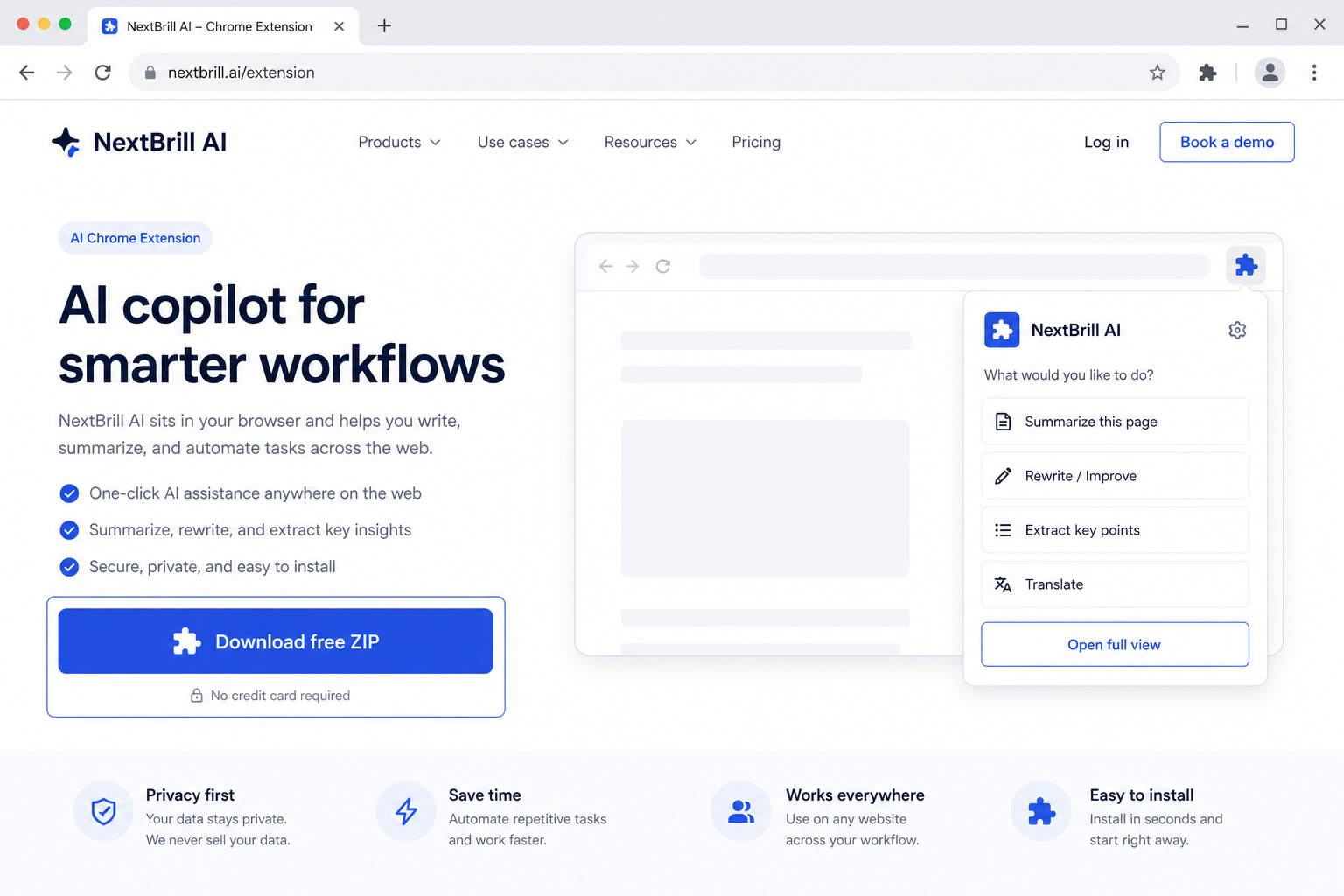
1 · Download free
Get linked-jobs-ai.zip from this page — free trial is built in.

Job & Recruitment
AI Chrome extension for LinkedIn Jobs
Export LinkedIn Jobs search results from LinkedIn Jobs and export clean Excel data — free trial included, upgrade to Pro in the same extension.
Free trial built in · Pro unlocks with Extensions Suite ($25/month for the full catalog)
Version 1.0.57
Download the ZIP, unzip it, then open chrome://extensions (Chrome) or edge://extensions (Edge), enable Developer mode, and Load unpacked. Free trial is built in — no license key required to start.
Linked Jobs AI exports LinkedIn Jobs search results to Excel so recruiting and BD teams can work from structured lists instead of scrolling LinkedIn Jobs endlessly.
Capture LinkedIn Jobs pipelines for open reqs and competitor posting checks.
Build Excel shortlists from LinkedIn Jobs filters you already use.
Spot companies actively hiring as a buying-signal list from LinkedIn Jobs.
Pro via Extensions Suite — $25/mo (all eligible tools)
No. It exports job search results. Messaging stays on LinkedIn under your own account policies.
You need access to LinkedIn Jobs search results in Chrome. Recruiter is not required by NextBrill.
5 lifetime searches, up to 10 fully enriched results each; Pro removes the caps in the same install.