
Domain Intel AI
Clean registrant emails from domain WHOIS dumps

Quick start
Download → install in Chrome or Edge → search → export Excel → upgrade to Pro when you need more.
1 / 7
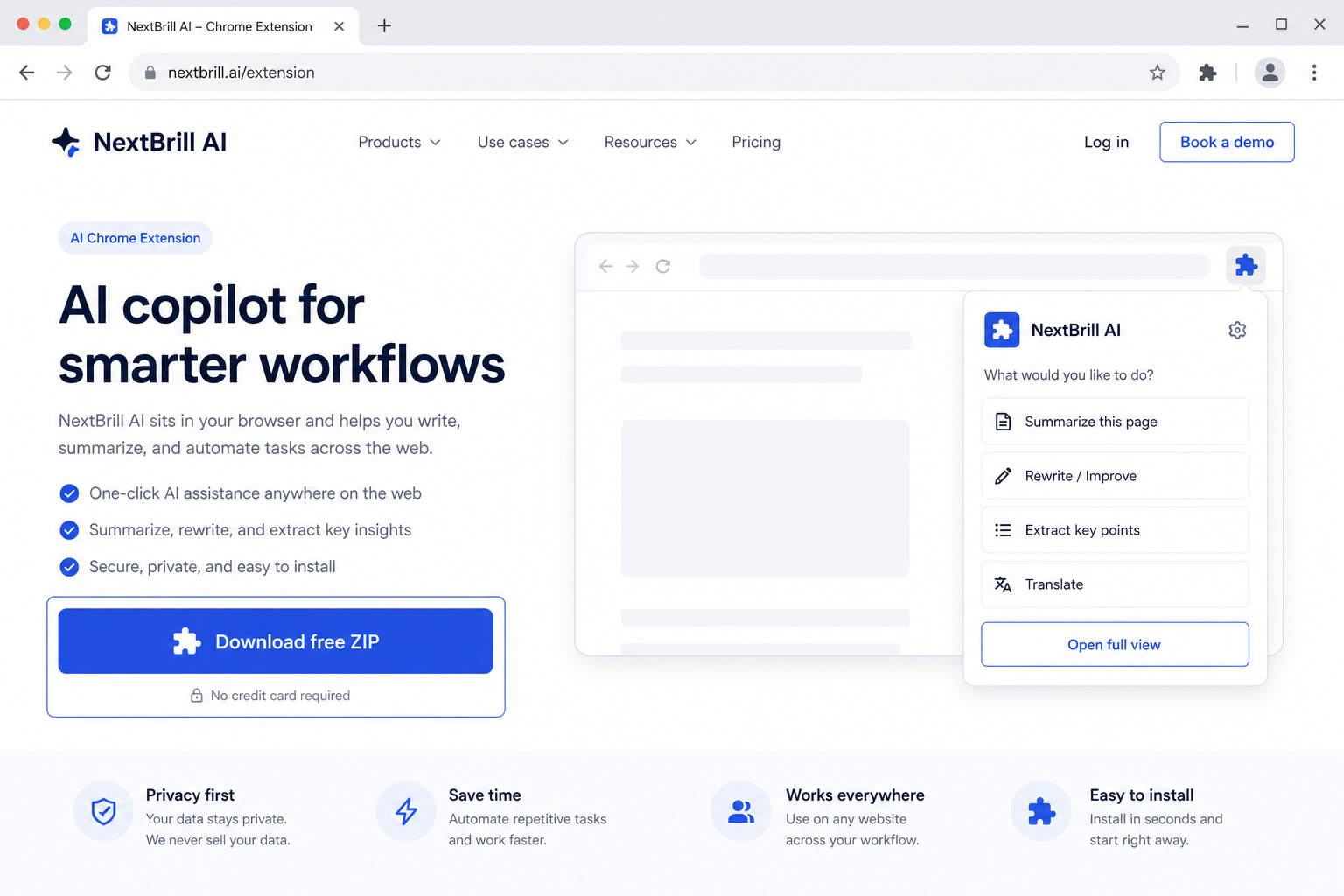
1 · Download free
Get business-opportunity-ai.zip from this page — free trial is built in.

Marketing Intelligence
New-business & growth-signal discovery for local markets
Enter an industry and location — Business Opportunity AI finds newly active businesses from social and web signals, verifies hiring and registration, then enriches contacts like Indeed Job AI.
Free trial built in · Pro unlocks with Extensions Suite ($25/month for the full catalog)
Version 1.0.47
Download the ZIP, unzip it, then open chrome://extensions (Chrome) or edge://extensions (Edge), enable Developer mode, and Load unpacked. Free trial is built in — no license key required to start.
Business Opportunity AI discovers newly active and expanding businesses for an industry and location using Google Search (site-restricted social + web), Maps filters, and hiring/registry verification — then enriches contacts and decision-makers in a separate step.
Catch new clinics, contractors, and shops before competitors fill their calendars.
Spot new-location and grand-opening signals across markets.
Pair hiring signals with contact enrichment for timely outreach.
Pro via Extensions Suite — $25/mo (all eligible tools)
No. It runs Google Searches with site: filters and reads public search results — it does not automate social logins or in-app scraping.
Free: 5 lifetime searches, up to 10 companies per search, each fully enriched. Pro: more queries and higher volume — $14.99/mo in the same install.