
Business Opportunity AI
New-business & growth-signal discovery for local markets

Quick start
Download → install in Chrome or Edge → search → export Excel → upgrade to Pro when you need more.
1 / 7
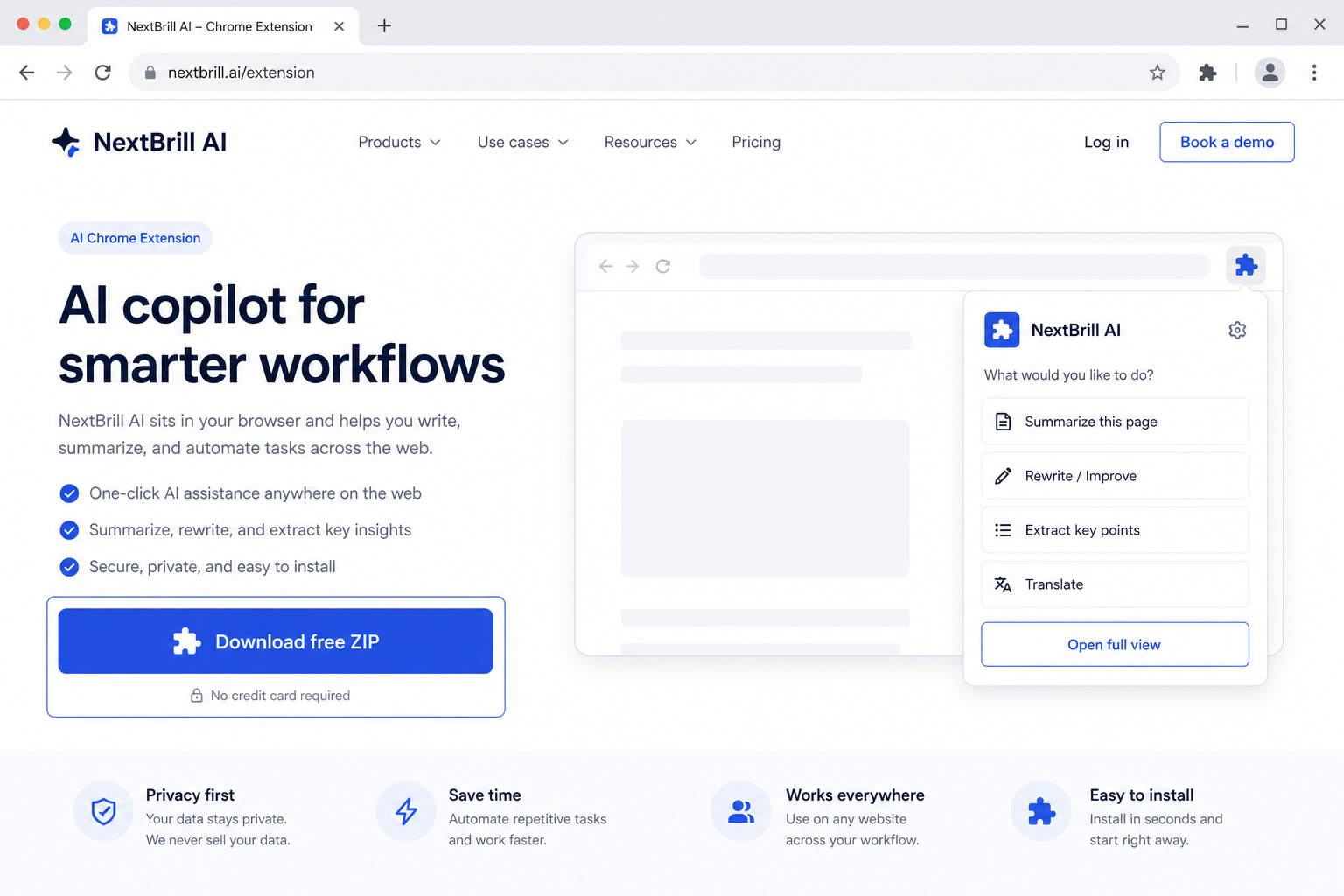
1 · Download free
Get company-scan-ai.zip from this page — free trial is built in.

Marketing Intelligence
Company discovery + enrichment + decision-maker intelligence
Paste company names or upload a list — Company Scan AI verifies companies, estimates size, finds decision-makers, and returns clean lead records with public contact channels.
Free trial built in · Pro unlocks with Extensions Suite ($25/month for the full catalog)
Version 1.0.41
Download the ZIP, unzip it, then open chrome://extensions (Chrome) or edge://extensions (Edge), enable Developer mode, and Load unpacked. Free trial is built in — no license key required to start.
Company Scan AI is a company discovery and enrichment extension that turns company names into clean lead records — size, owners, sales, marketing, HR, managers, and public contact channels — using public-web research rather than LinkedIn scraping.
Build outreach lists with the right decision-makers behind each company.
Enrich client or prospect company lists with leadership and contact signals.
Verify companies and collect public size and people intelligence at scale.
Pro via Extensions Suite — $25/mo (all eligible tools)
Business Opportunity AI
New-business & growth-signal discovery for local markets

Ads Intelligence AI
AI Chrome extension for Google Search
Google Maps Leads AI
AI Chrome extension for Google Maps
Directory Lead Finder AI
One keyword → Google directories → pick domain → Excel
No. Discovery uses public search results and permitted sources — not automated LinkedIn page scraping.
Excel or CSV with Company (required), Website and Location optional.