

Contact Form Poster AI
Profile → websites → tabs → CAPTCHA-aware submit → Excel report

Quick start
Download → install in Chrome or Edge → search → export Excel → upgrade to Pro when you need more.
1 / 7
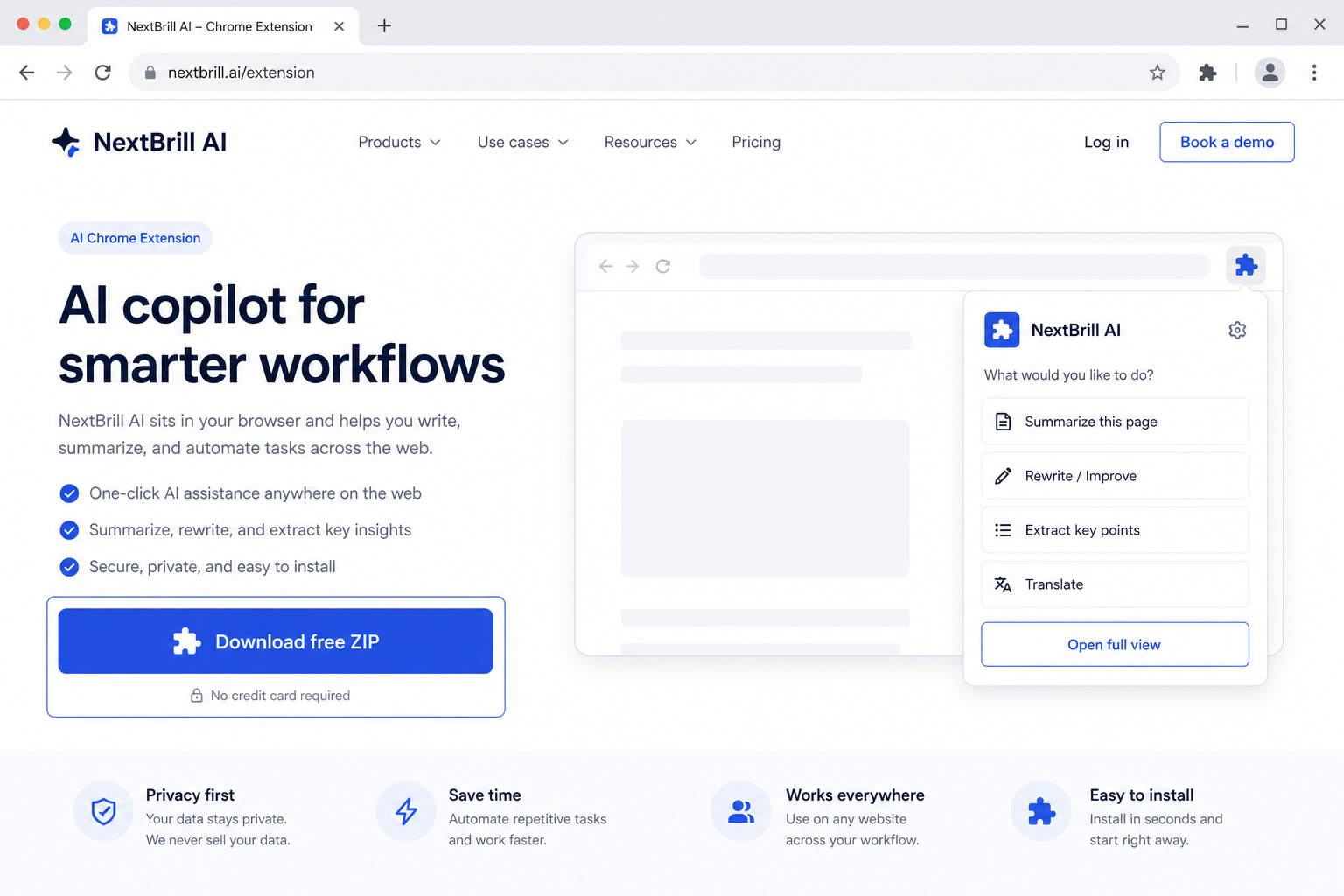
1 · Download free
Get nextbrill-esend.zip from this page — free trial is built in.
Outreach Senders
Upload → one AI draft → your SMTP → Excel report
Create personalized business email campaigns using your own email account. Upload contacts, map columns, generate one reusable template with AI, review it, send through your SMTP, and export a complete Sent/Failed/Skipped report.
Free trial built in · Pro unlocks with Extensions Suite ($25/month for the full catalog)
Version 1.5.35
Download the ZIP, unzip it, then open chrome://extensions (Chrome) or edge://extensions (Edge), enable Developer mode, and Load unpacked. Free trial is built in — no license key required to start.
NextBrill eMailSend creates personalized business email campaigns using your own SMTP mailbox — upload contacts, generate one reusable AI template, send with concurrency controls, and export Sent/Failed/Skipped reports.
Run outreach from your own mailbox without buying a separate ESP seat.
Client campaigns via client SMTP with Excel reporting.
Batch personalized emails with merge fields and pacing controls.
Pro via Extensions Suite — $25/mo (all eligible tools)
Contact Form Poster AI
Profile → websites → tabs → CAPTCHA-aware submit → Excel report

NextBrill Social Sender
Open social profiles · manage outreach manually

AutoCallEra AI
AI Calling Campaigns, Directly From Your Browser

Google Maps Leads AI
AI Chrome extension for Google Maps
No. You configure and use your own SMTP. NextBrill never provides your sending mailbox.
No. OpenAI creates one reusable template with merge variables. Local substitution fills each recipient.
SMTP accepted the message — not the same as inbox delivery.