
Contact Form Poster AI
Profile → websites → tabs → CAPTCHA-aware submit → Excel report

Quick start
Download → install in Chrome or Edge → search → export Excel → upgrade to Pro when you need more.
1 / 7
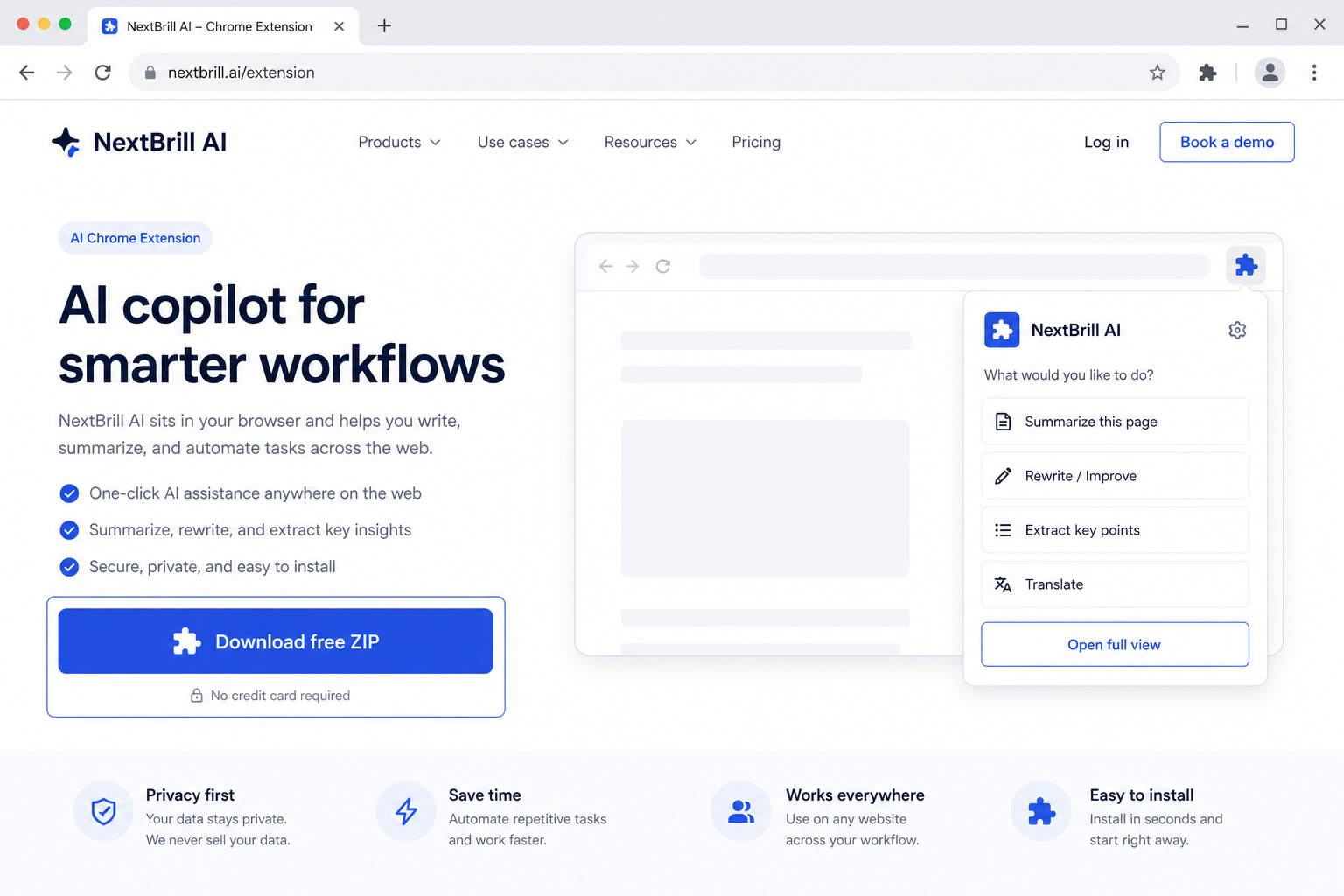
1 · Download free
Get social-sender.zip from this page — free trial is built in.
Outreach Senders
Open social profiles · manage outreach manually
Import social links, open one tab per platform in your own Chrome session, and work through profiles with Done — Next. NextBrill Social Sender organizes and launches — you interact and message. It does not log into, scrape, or automatically send on social platforms.
Free trial built in · Pro unlocks with Extensions Suite ($25/month for the full catalog)
Version 1.1.22
Download the ZIP, unzip it, then open chrome://extensions (Chrome) or edge://extensions (Edge), enable Developer mode, and Load unpacked. Free trial is built in — no license key required to start.
NextBrill Social Sender imports social links, opens one Chrome tab per platform in your session, and helps you work profiles with Done — Next. It organizes outreach — it does not auto-message or log into social platforms for you.
Work imported profile queues without losing your place.
Run manual social outreach with Excel outcome tracking.
Reach prospects on platforms where email bounce rates are high.
Pro via Extensions Suite — $25/mo (all eligible tools)
Contact Form Poster AI
Profile → websites → tabs → CAPTCHA-aware submit → Excel report

NextBrill eMailSend
Upload → one AI draft → your SMTP → Excel report
AutoCallEra AI
AI Calling Campaigns, Directly From Your Browser

Google Maps Leads AI
AI Chrome extension for Google Maps
No. It only opens and organizes profile URLs. You interact manually on each platform.
Opening public profile URLs is lower risk than automated messaging, but platforms enforce their own policies. We do not claim immunity from bans.
You finished working that profile — not that a message was sent. Record Contacted in Outcome if you messaged them.